Drive Team Excellence with Linux and UNIX Tools and Utilities Corporate Training

Linux and UNIX Tools and Utilities refer to a collection of command-line programs and utilities designed to facilitate system management and administration tasks within Linux and UNIX operating systems. It is required in organizations to streamline system administration, enhance security, and improve overall operational efficiency. With Linux and UNIX Tools and Utilities training course, employees will gain the expertise needed to streamline operations, enhance security, and improve overall efficiency.

Edstellar's instructor-led Linux and UNIX Tools and Utilities training course is conducted by industry experts with extensive experience in product lifecycle management. The course covers key functionalities and practical applications of Linux and UNIX Tools and Utilities and is delivered through virtual/onsite formats. The course is tailored to meet employees' needs, offering hands-on exercises, customization options, and real-world examples to enhance learning outcomes.

Get Customized Expert-led Training for Your Teams
Customized Training Delivery
Scale Your Training: Small to Large Teams
In-person Onsite, Live Virtual or Hybrid Training Modes
Plan from 2000+ Industry-ready Training Programs
Experience Hands-On Learning from Industry Experts
Delivery Capability Across 100+ Countries & 10+ Languages
""""

Skills Your Employees Will Gain

These are the core, hands-on capabilities your team builds during the program.

  • System Resource Management
    System Resource Management is the efficient allocation and monitoring of IT resources to optimize performance. This skill is important for IT administrators and project managers to ensure seamless operations and cost-effectiveness.
  • File System Navigation
    File System Navigation is the ability to efficiently locate, manage, and organize files within a computer's directory structure. This skill is important for roles in IT, data management, and software development, as it enhances productivity and ensures effective data retrieval.
  • Command-Line Proficiency
    Command-Line Proficiency is the ability to navigate and execute commands in a text-based interface. this skill is important for IT roles, as it enhances efficiency, automation, and troubleshooting.
  • Shell Scripting
    Shell Scripting is the process of writing scripts for command-line interfaces to automate tasks. This skill is important for system administrators and DevOps roles, enhancing efficiency and reliability.
  • Regular Expression Utilization
    Regular Expression Utilization involves crafting and applying regex patterns to search, match, and manipulate text data efficiently. this skill is important for data analysts and software developers, as it enhances data processing, validation, and error detection, streamlining workflows and improving accuracy.
  • Text Filtering with Sed
    Text Filtering with Sed is the ability to manipulate and process text data using the sed command-line tool. this skill is important for data analysts and system administrators to efficiently clean, transform, and extract relevant information from large text files, enhancing productivity and accuracy in data handling.

What Your Team Will Achieve After This Training

  • Apply advanced file management techniques to maintain system organization and efficiency
  • Analyze system performance using monitoring tools to ensure optimal operation and prevent potential issues
  • Develop scripts to automate repetitive tasks, increasing productivity and reducing manual intervention
  • Create secure configurations for user management and permissions to enhance system security and compliance
  • Utilize network utilities for effective system communication and troubleshooting, ensuring reliable connectivity

Topics & Program Outline

The curriculum is organized into focused modules built by industry experts and delivered virtually or on-premise. Interactive sessions reflect the evolving demands of the workplace, keeping the learning both relevant and practical.

  1. Introduction to Linux and UNIX
    • Understanding the history and evolution of Linux and UNIX
    • Distinguishing between Linux and UNIX
    • Exploring various distributions of Linux
  2. Basic commands and file management
    • Navigating the file system effectively
    • Creating, viewing, and editing files
    • Managing file permissions and ownership
  3. System architecture and shell environment
    • Understanding the system architecture
    • Exploring the shell environment and its features
  1. Introduction to regular expressions
    • Understanding the basics of regular expressions
    • Learning common regular expression symbols and syntax
  2. Using grep for text searching
    • Searching files and directories with grep
    • Using grep options for advanced searching
  1. Introduction to text filtering
    • Understanding the need for text filtering
    • Overview of common text filtering tools
  2. Using sed for text manipulation
    • Basic sed commands and syntax
    • Advanced text manipulation with sed
  3. Practical examples and use cases
    • Applying text filtering in real-world scenarios
    • Combining text filtering tools for complex tasks
  1. Introduction to shell scripting
    • Understanding the basics of shell scripting
    • Overview of different shell environments
  2. Writing and executing shell scripts
    • Creating simple shell scripts
    • Executing and debugging shell scripts
  3. Advanced shell scripting techniques
    • Using loops and conditional statements
    • Incorporating functions and user inputs
  1. Introduction to awk
    • Understanding the basics of awk
    • Overview of awk syntax and commands
  2. Using awk for data manipulation
    • Extracting and processing data with awk
    • Performing calculations and data transformations
  3. Practical examples and use cases
    • Applying awk to real-world data restructuring tasks
    • Combining awk with other tools for advanced data processing

Who Should Attend?

This program suits professionals at many levels across the organization, including:

  • System Administrators
  • Network Engineers
  • IT Managers
  • Software Developers
  • Unix Administrators
  • Linux Administrators
  • Technical Support Engineers
  • IT Analysts
  • DevOps Engineers
  • System Engineers
  • Security Analysts
  • Cloud Engineers

What are the Prerequisites?

Employees with a basic understanding of HR concepts and processes can take the Linux and UNIX Tools and Utilities training course.

Request a Quote for your Corporate Training Requirements

Valid number

Delivering Training for Organizations across 100 Countries and 10+ Languages

Choose the Format That Fits Your Team

We design training your teams actually engage with, and deliver it the way that suits you best. Through a vetted global trainer network, Edstellar runs sessions in 10+ languages with consistent quality anywhere.

Virtual Linux and UNIX Tools and Utilities Training

Virtual / online: expert-led live sessions delivered anywhere, with consistency and easy scheduling.

We deliver anywhere worldwide
Standardized content for consistent outcomes
Join from own workspace, no travel
We scale to large groups across sites
Interactive tools keep remote learners engaged
On-site Linux and UNIX Tools and Utilities Training

On-site (in-house): immersive, instructor-led learning at your office.

Our trainers run face-to-face at your office
We tailor setup/content to your workplace and tools
Group exercises drive collaboration
Live demos +  hands-on practice
Direct trainer access to clarify doubts
Off-site Linux and UNIX Tools and Utilities Training

Off-site: focused, instructor-led group learning away from everyday workplace distractions.

We host your teams at a venue of your preferred choice
Built-in group activities for bonding
Full uninterrupted schedule for focus/retention
Boosts morale and signals commitment

Get a Proposal Shaped to Your Needs

Need pricing for onsite, offsite, or virtual delivery? Get a proposal tailored to your team's needs.

Request a Group Training Quote
""
How Many Team Members Need Training?
Please select an option or fill in the custom field.
"'

Is Your Corporate Training Requirement Only for Linux and UNIX Tools and Utilities ?

Please select at least one course.
""
Add the List of Training Workshops
search icon

      Please select the course

      No. of Courses selected: 0

      Clear

      Upload a CSV

      Send us your Training Requirements in 3 Easy steps

      1. 1
      2. 2
        Add the required training workshops
      3. 3
        Upload to get a quick quote or email it to contact@edstellar.com

      ""

      Looking for a Complete Package?

      Looking for a one-time pricing option for all your annual training requirements?

      View Corporate Training Packages
      ""
      Select the Option that Best Describes Your Corporate Training Requirement

      Please select an option or choose from the recurring options.
      ""
      Verify and Submit Your Request

      Review Your Corporate Training Selection Summary

      Training Program: Linux and UNIX Tools and Utilities Training

      1. No of Team Members

      2. Selected Training Preference

      3. Selected Recurring Sessions

      1

      Review your Requirements

      Training Workshops Selected :


        Excel
        File has been
        successfully uploaded.
        Fill the form to submit
 your details
        Submit Your Professional Contact Information
        Valid number
        We've received your enquiry. Our team will be in touch soon.
        Oops! Something went wrong while submitting the form.
        Starter
        120 licences

        Tailor-Made Trainee Licenses with Our Exclusive Training Packages!

        View Package

        64 hours of group training (includes VILT/In-person On-site)

        Tailored for SMBs

        Growth
        320 licences

        Tailor-Made Trainee Licenses with Our Exclusive Training Packages!

        View Package

        160 hours of group training (includes VILT/In-person On-site)

        Ideal for growing SMBs

        Enterprise
        800 licences

        Tailor-Made Trainee Licenses with Our Exclusive Training Packages!

        View Package

        400 hours of group training (includes VILT/In-person On-site)

        Designed for large corporations

        Custom
        Unlimited licenses

        Tailor-Made Trainee Licenses with Our Exclusive Training Packages!

        View Package

        Unlimited duration

        Designed for large corporations

        What Sets Edstellar Apart

        Experienced Trainers

        Our trainers are drawn from a vetted global network and bring years of industry expertise, keeping every session practical and impactful.

        Proven Quality

        With a strong global track record, Edstellar is known for quality and engaging delivery.

        Industry-Relevant Curriculum

        Our programs are built by experts to match the demands of today's industry.

        Fully Customizable

        Every program can be tailored to your organization's goals.

        Comprehensive Support

        We provide pre- and post-session support for a complete learning experience.

        Global Multi-Location & Multilingual Training Delivery

        We deliver in multiple languages to support diverse global teams.

        Hear from Organizations We've Trained

        "Attending the Linux and UNIX Tools and Utilities training was transformational for my professional development. As a Senior Web Developer, the deep dive into industry best practices gave me the confidence to tackle and comprehensive coverage of interactive labs were immediately applicable to my work. I've been able to drive meaningful innovation and improvement within my department. This course has become foundational to my continued success.”

        Clifford Marshall

        Senior Web Developer,

        IT Services and Solutions Provider

        "The Linux and UNIX Tools and Utilities training provided critical insights into advanced methodologies that enhanced my consulting capabilities. As a Senior Frontend Engineer, I now leverage expert-led workshops solutions. The practical exercises on practical simulations prepared me perfectly for real-world client scenarios. We've reduced implementation timelines by 45% on comparable projects, demonstrating immediate value from this investment.”

        Zhang Jun

        Senior Frontend Engineer,

        Digital Innovation Platform

        "The Linux and UNIX Tools and Utilities training transformed our team's entire approach to operational excellence management and execution. As a Lead iOS Developer, the extensive coverage of strategic frameworks, these proven concepts to optimized processes. We reduced operational costs by 40% while simultaneously improving service quality standards. Our team's productivity and solution quality have improved measurably, validating this investment.”

        Nisha Kulkarni

        Lead iOS Developer,

        Enterprise Software Development Firm

        “Edstellar’s IT & Technical training programs have been instrumental in strengthening our engineering teams and building future-ready capabilities. The hands-on approach, practical cloud scenarios, and expert guidance helped our teams improve technical depth, problem-solving skills, and execution across multiple projects. We’re excited to extend more of these impactful programs to other business units.”

        Aditi Rao

        L&D Head,

        A Global Technology Company

        Recognition That Motivates Your Team

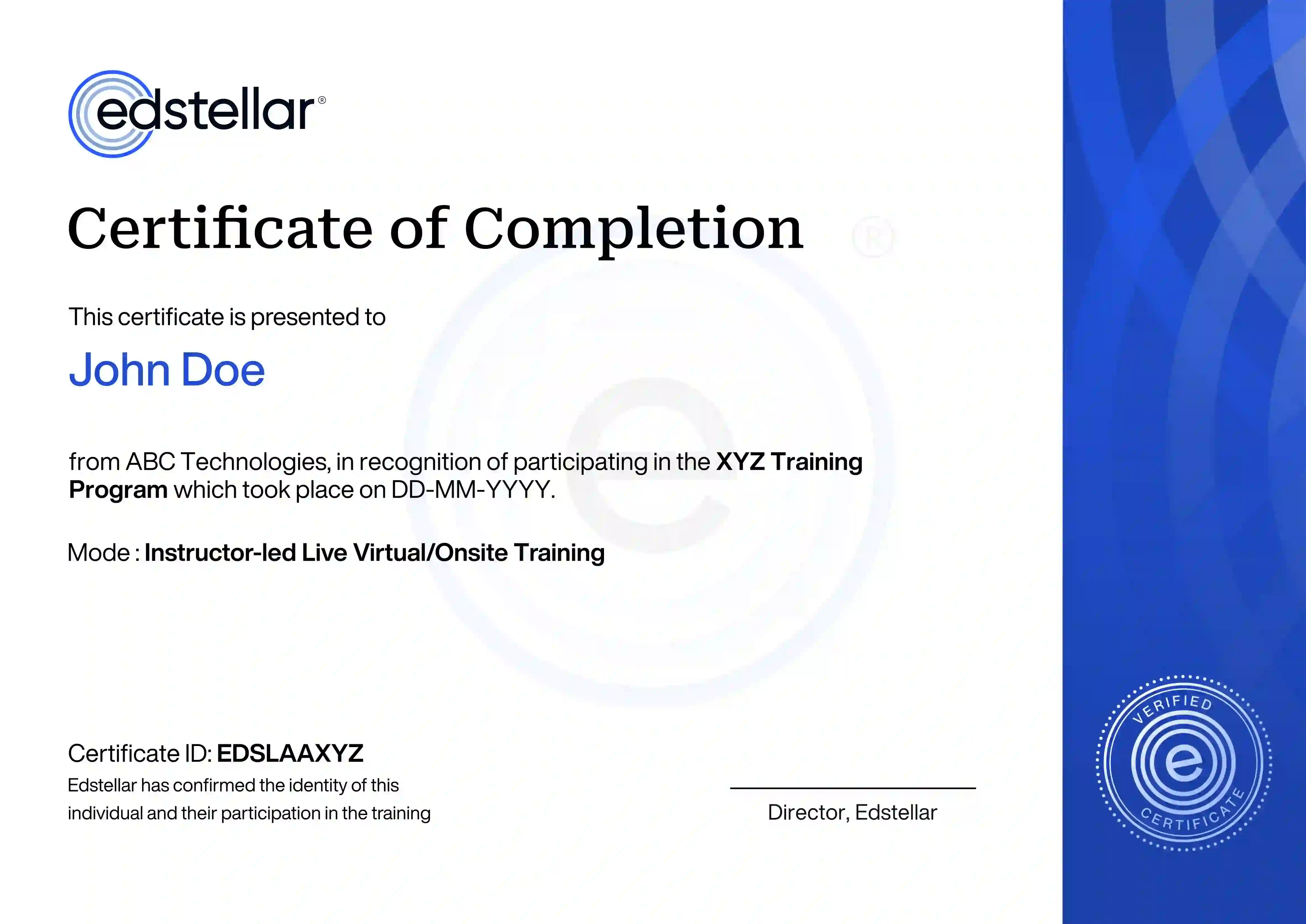
        Upon successful completion of the training course offered by Edstellar, employees receive a course completion certificate, symbolizing their dedication to ongoing learning and professional development.

        This certificate validates the employee's acquired skills and is a powerful motivator, inspiring them to enhance their expertise further and contribute effectively to organizational success.

        Recognition That Motivates Your Team
        Other Related Corporate Training Courses