
Drive Team Excellence with Excel Automation with Power Query & AI Corporate Training

Excel Automation with Power Query & AI refers to the integration of Excel’s data handling capabilities with automation tools and artificial intelligence to streamline data collection, transformation, and analysis. This approach helps organizations enhance operational efficiency, reduce manual errors, and make informed decisions faster especially in data-intensive environments such as consulting firms, financial institutions, and supply chain management companies. The Excel Automation with Power Query & AI training course enables your team to build automated workflows, harness AI for intelligent data processing, and transform Excel into a powerful business intelligence tool.

Edstellar’s Excel Automation with Power Query & AI training stands out through flexible delivery modes including virtual, onsite, and offsite sessions tailored to organizational needs. The course is led by experienced industry professionals and is designed to deliver a practical, hands-on understanding of advanced Excel automation techniques. Customizable to specific business contexts, the training empowers teams to apply automation confidently in real-world scenarios and maximize productivity across departments.

Get Customized Expert-led Training for Your Teams
Customized Training Delivery
Scale Your Training: Small to Large Teams
In-person Onsite, Live Virtual or Hybrid Training Modes
Plan from 2000+ Industry-ready Training Programs
Experience Hands-On Learning from Industry Experts
Delivery Capability Across 100+ Countries & 10+ Languages
""""

Skills Your Employees Will Gain

These are the core, hands-on capabilities your team builds during the program.

  • Financial Analysts
    Financial analysts evaluate investment opportunities, analyze financial data, and provide insights to guide business decisions. They assess market trends, prepare reports, and support strategic planning.
  • Data Analysts
    Data Analysts are professionals who collect, process, and analyze data to uncover insights, support decision-making, and drive business strategies using statistical tools and techniques.
  • Business Intelligence Analysts
    Business Intelligence Analysts gather, analyze, and interpret data to help organizations make informed decisions. They use tools and techniques to transform data into actionable insights for strategic planning.
  • Operations Executives
    Operations Executives are professionals responsible for overseeing and optimizing an organization's daily operations, ensuring efficiency, productivity, and alignment with strategic goals.
  • Reporting Specialists
    Reporting Specialists are professionals who analyze data and generate reports to provide insights, support decision-making, and enhance business performance through effective data visualization and communication.

What Your Team Will Achieve After This Training

  • Share standardized reports across departments
  • Reuse query logic for similar projects
  • Improve turnaround time for reporting cycles
  • Simplify data wrangling for non-technical staff
  • Standardize formats across multiple spreadsheets
  • Build centralized workflows for data pipelines

Topics & Program Outline

The curriculum is organized into focused modules built by industry experts and delivered virtually or on-premise. Interactive sessions reflect the evolving demands of the workplace, keeping the learning both relevant and practical.

  1. Power Query fundamentals
    • Understand the Power Query interface
    • Explore editor panes and navigation
    • Learn the difference between Power Query and VBA/macros
  2. Excel integration basics
    • Launch Power Query from Excel
    • Identify use cases within financial workflows
    • Load and manage queries within Excel
  1. Importing from multiple sources
    • Load data from Excel, CSV, and web
    • Connect to SQL and other database systems
    • Access cloud-based and online connectors
  2. Loading configuration
    • Load to worksheet vs data model
    • Define refresh settings and load options
    • Understand query dependency chains
  1. Basic data cleanup
    • Remove blank rows and columns
    • Filter datasets and clean text formats
    • Rename and reorder columns
  2. Advanced transformation
    • Replace nulls and errors
    • Change data types and formats
    • Split, merge, and structure data fields
  1. Reshaping data
    • Transpose tables
    • Unpivot columns
    • Group and aggregate data
  2. Custom logic building
    • Create calculated and index columns
    • Use M code for custom expressions
    • Apply conditional logic in queries
  1. Table merging strategies
    • Perform inner, outer, and anti joins
    • Merge large tables efficiently
    • Troubleshoot mismatched schema issues
  2. Appending datasets
    • Stack data across time periods
    • Standardize columns before append
    • Automate repeated append operations
  1. Automating query logic
    • Use parameters in transformations
    • Create query functions for reuse
    • Link multiple queries in workflows
  2. Refresh and scheduling
    • Set up scheduled data refreshes
    • Automate workbook-level updates
    • Handle load failures gracefully
  1. AI transformation assistance
    • Detect errors and auto-suggest fixes
    • Normalize data using AI prompts
    • Automate repetitive transformations
  2. Natural language automation
    • Use AI to build conditional columns
    • Apply smart fill based on intent
    • Create visual insights from structured data
  1. Performance tuning
    • Optimize transformation steps
    • Use buffer functions effectively
    • Minimize query refresh delays
  2. Governance and reusability
    • Document queries for internal use
    • Apply standardized query templates
    • Collaborate across teams with shared logic

Who Should Attend?

This program suits professionals at many levels across the organization, including:

  • Financial Analysts
  • Data Analysts
  • Business Intelligence Analysts
  • Operations Executives
  • Reporting Specialists

What are the Prerequisites?

Employees with a basic understanding of Microsoft Excel functions and data manipulation techniques will benefit the most from the Excel Automation with Power Query & AI training. However, familiarity with spreadsheet-based workflows and data analysis concepts can further enhance the learning experience.

Request a Quote for your Corporate Training Requirements

Valid number

Delivering Training for Organizations across 100 Countries and 10+ Languages

Choose the Format That Fits Your Team

We design training your teams actually engage with, and deliver it the way that suits you best. Through a vetted global trainer network, Edstellar runs sessions in 10+ languages with consistent quality anywhere.

Virtual Excel Automation with Power Query & AI Training

Virtual / online: expert-led live sessions delivered anywhere, with consistency and easy scheduling.

We deliver anywhere worldwide
Standardized content for consistent outcomes
Join from own workspace, no travel
We scale to large groups across sites
Interactive tools keep remote learners engaged
On-site Excel Automation with Power Query & AI Training

On-site (in-house): immersive, instructor-led learning at your office.

Our trainers run face-to-face at your office
We tailor setup/content to your workplace and tools
Group exercises drive collaboration
Live demos +  hands-on practice
Direct trainer access to clarify doubts
Off-site Excel Automation with Power Query & AI Training

Off-site: focused, instructor-led group learning away from everyday workplace distractions.

We host your teams at a venue of your preferred choice
Built-in group activities for bonding
Full uninterrupted schedule for focus/retention
Boosts morale and signals commitment

Get a Proposal Shaped to Your Needs

Need pricing for onsite, offsite, or virtual delivery? Get a proposal tailored to your team's needs.

Request a Group Training Quote
""
How Many Team Members Need Training?
Please select an option or fill in the custom field.
"'

Is Your Corporate Training Requirement Only for Excel Automation with Power Query & AI?

Please select at least one course.
""
Add the List of Training Workshops
search icon

      Please select the course

      No. of Courses selected: 0

      Clear

      Upload a CSV

      Send us your Training Requirements in 3 Easy steps

      1. 1
      2. 2
        Add the required training workshops
      3. 3
        Upload to get a quick quote or email it to contact@edstellar.com

      ""

      Looking for a Complete Package?

      Looking for a one-time pricing option for all your annual training requirements?

      View Corporate Training Packages
      ""
      Select the Option that Best Describes Your Corporate Training Requirement

      Please select an option or choose from the recurring options.
      ""
      Verify and Submit Your Request

      Review Your Corporate Training Selection Summary

      Training Program: Excel Automation with Power Query & AI Training

      1. No of Team Members

      2. Selected Training Preference

      3. Selected Recurring Sessions

      1

      Review your Requirements

      Training Workshops Selected :


        Excel
        File has been
        successfully uploaded.
        Fill the form to submit
 your details
        Submit Your Professional Contact Information
        Valid number
        We've received your enquiry. Our team will be in touch soon.
        Oops! Something went wrong while submitting the form.
        Starter
        120 licences

        Tailor-Made Trainee Licenses with Our Exclusive Training Packages!

        View Package

        64 hours of group training (includes VILT/In-person On-site)

        Tailored for SMBs

        Growth
        320 licences

        Tailor-Made Trainee Licenses with Our Exclusive Training Packages!

        View Package

        160 hours of group training (includes VILT/In-person On-site)

        Ideal for growing SMBs

        Enterprise
        800 licences

        Tailor-Made Trainee Licenses with Our Exclusive Training Packages!

        View Package

        400 hours of group training (includes VILT/In-person On-site)

        Designed for large corporations

        Custom
        Unlimited licenses

        Tailor-Made Trainee Licenses with Our Exclusive Training Packages!

        View Package

        Unlimited duration

        Designed for large corporations

        What Sets Edstellar Apart

        Experienced Trainers

        Our trainers are drawn from a vetted global network and bring years of industry expertise, keeping every session practical and impactful.

        Proven Quality

        With a strong global track record, Edstellar is known for quality and engaging delivery.

        Industry-Relevant Curriculum

        Our programs are built by experts to match the demands of today's industry.

        Fully Customizable

        Every program can be tailored to your organization's goals.

        Comprehensive Support

        We provide pre- and post-session support for a complete learning experience.

        Global Multi-Location & Multilingual Training Delivery

        We deliver in multiple languages to support diverse global teams.

        Hear from Organizations We've Trained

        "The Excel Automation with Power Query & AI course revolutionized how I approach my daily responsibilities. As a Principal Big Data Engineer, understanding practical applications was essential, and this provided invaluable real-world experience. The knowledge gained has been immediately applicable to mission-critical projects and initiatives. The instructor's insights on hands-on exercises have proven instrumental in my professional advancement.”

        Donna Stevens

        Principal Big Data Engineer,

        Workflow Automation Solutions Firm

        "The Excel Automation with Power Query & AI training enhanced my ability to architect and implement sophisticated technical mastery strategies. Understanding strategic frameworks through intensive real-world case studies to optimize organizational initiatives. We delivered a high-visibility enterprise project two months ahead of schedule. The detailed exploration of practical simulations provided methodologies I leverage in every engagement.”

        Mattias Svensson

        Lead MLOps Engineer,

        Business Process Automation Platform

        "This Excel Automation with Power Query & AI course provided our team with comprehensive advanced methodologies capabilities we immediately put into practice. As a Senior Data Platform Engineer managing enhanced capabilities that significantly enhanced our delivery capacity. Our stakeholder satisfaction and NPS scores reached unprecedented all-time highs. The training fundamentally improved our team's performance metrics and overall efficiency.”

        Issam Saqr

        Senior Data Platform Engineer,

        Intelligent Automation Company

        “Edstellar’s IT & Technical training programs have been instrumental in strengthening our engineering teams and building future-ready capabilities. The hands-on approach, practical cloud scenarios, and expert guidance helped our teams improve technical depth, problem-solving skills, and execution across multiple projects. We’re excited to extend more of these impactful programs to other business units.”

        Aditi Rao

        L&D Head,

        A Global Technology Company

        Recognition That Motivates Your Team

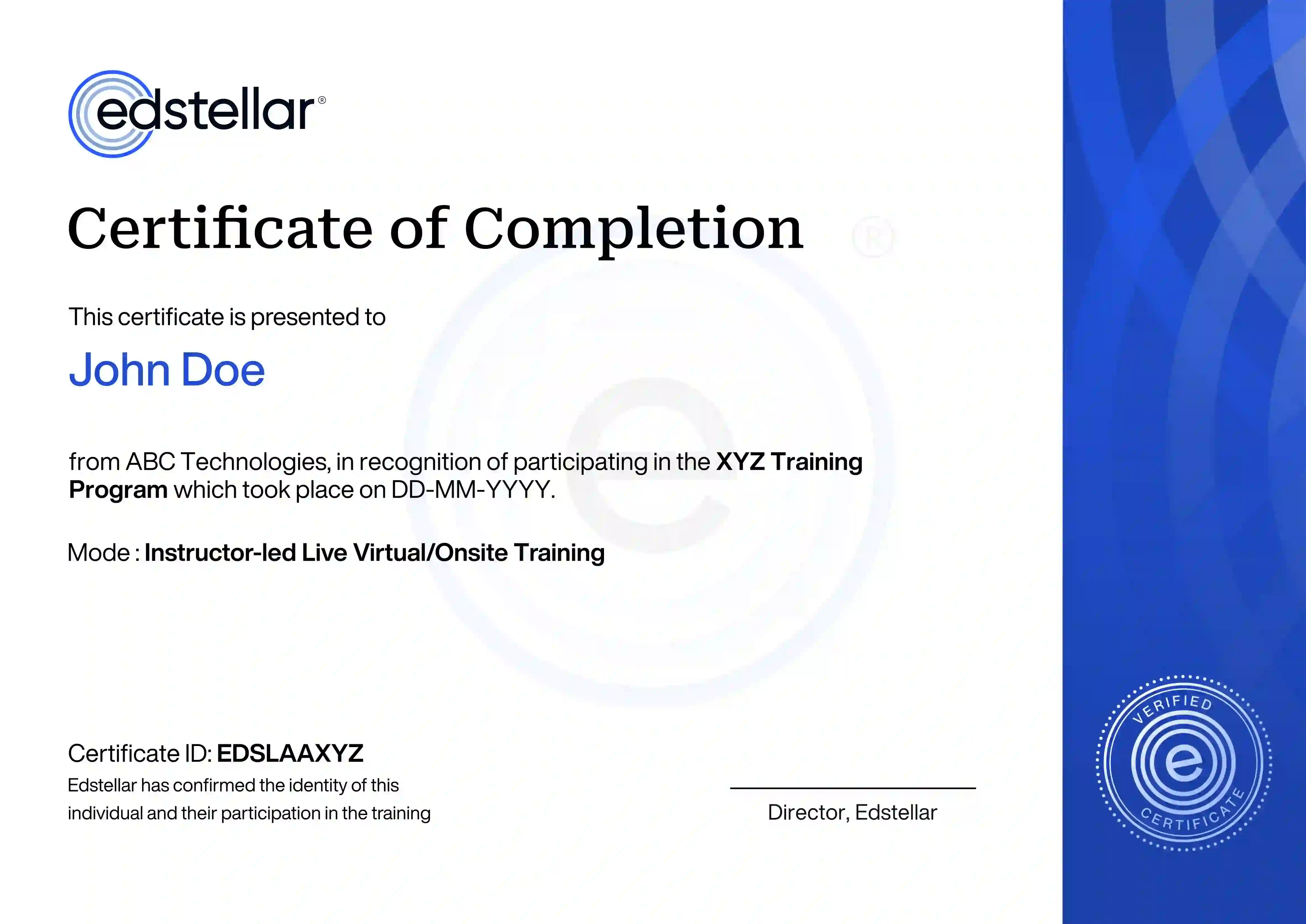
        Upon successful completion of the training course offered by Edstellar, employees receive a course completion certificate, symbolizing their dedication to ongoing learning and professional development.

        This certificate validates the employee's acquired skills and is a powerful motivator, inspiring them to enhance their expertise further and contribute effectively to organizational success.

        Recognition That Motivates Your Team
        ""

        Other Related Corporate Training Courses