

Figma Corporate Training
Learn to design, prototype, and hand off production-ready interfaces in Figma, in live guided labs.
Your team masters Figma for interface design, prototyping, and collaboration. Employees build responsive layouts, maintain design systems, and prepare dev-ready handoff packages through guided labs led by practitioners. Each session is tuned to your products, tools, and workflows.
Instructor-led group trainingVirtual / on-site / off-site10 languagesDelivered inEnglish, Spanish, Mandarin, German, Arabic, Portuguese, Hindi, French, Japanese, Italian100+ countriesWe have delivered inUnited States, United Kingdom, India, Canada, Germany, France, Netherlands, UAE, Saudi Arabia, Singapore, Australia, Japan, Brazil, South Africa and 90+ more countries
How we build a Figma-fluent team
THE EDSTELLAR DESIGN CAPABILITY MODEL
Assess design maturity
Skill checks map your team's Figma, design system, and handoff baseline.
Set shared standards
One shared playbook for components, prototyping, and dev handoff.
Practice in guided labs
Labs cover UI design, design systems, and prototype testing.
Measure the lift
Lab reviews benchmark each employee's Figma design capability.
Scale across teams
One standard rolls out across products, screens, and teams.





Need more than one program?Get a group quote
Trusted as a Leading Corporate Training Provider by
















Program Overview: What is Figma Corporate Training?
Figma is a 24-hour program for product designers, UI designers, and product teams who want to design professionally in Figma. Participants master the workspace, auto layout, styles, reusable components, design systems, interactive prototyping, and developer handoff, moving from first file to production-ready practice.
Learning happens by designing. Guided labs walk participants through building interfaces with auto layout, creating component libraries with variants, and wiring prototypes that behave like real products. Instructors review every file, pushing on spacing, consistency, and system thinking until the work looks professional. The program ends with a design-to-delivery capstone where each participant ships a complete, handoff-ready design.
Design teams without a shared system produce inconsistent screens, slow handoffs, and endless rework. Components get rebuilt from scratch, prototypes mislead stakeholders, and developers guess at specs. This program teaches teams to design inside one system of reusable components and clear variants, so design moves from art to repeatable craft.
The capstone is a design-to-delivery project: each participant takes a brief, builds the full interface in Figma with a working component library, prototypes the key flows, and prepares a developer handoff that needs no explanation. They leave with a portfolio piece and a workflow they can repeat on the next sprint.
Six modules and 24 hours: workspace setup, UI design, design systems, prototyping, collaboration, and a design-to-delivery capstone. Every module pairs concepts with a guided lab, so each technique is practiced on real screens. It closes with a capstone the team plans, prototypes, reviews, and hands off.
Delivery is hybrid across virtual and onsite sessions, scheduled around your calendar. Cohorts train as one group or split into batches, with session materials and lab guides included for every participant.
What's Included in this Workshop for Your Enterprise Teams
- 1
Figma workspace setup
Organize teams, projects, and shared files.
- 2
UI design labs
Build responsive screens with auto layout.
- 3
Design system build
Create components, variants, and tokens.
- 4
Prototyping workflows
Wire clickable flows and test them.
- 5
Dev handoff practice
Ship specs, assets, and code snippets.
- Instructor-led delivery across virtual, onsite, and hybrid
- Guided labs in every module with instructor coaching
- Capstone design package, reviewed with your team
- Flexible scheduling around your calendar
- Lab guides and reusable component templates included
- Group size and batches set along with you
Build your team's skills. Anywhere in the world.
Real-world use cases
from day one
Instructor-led training
for your teams
Delivered globally
in 100+ countries


Enterprise Training Solutions Customized for Your Company
One partner for instructor-led corporate training, delivered the way your teams work.
Request a Training Quote- Customized Training Delivery
- Scale Your Training: Small to Large Teams
- In-person Onsite, Live Virtual or Hybrid Training Modes
- Plan from 2000+ Industry-ready Training Programs
- Hands-On Labs on Live Infrastructure, Led by Industry Experts
Figma Course Topics and Program Outline
A tailored 24-hour, six-module workshop: one learning journey from Figma workspace setup to a design-to-delivery capstone. Sessions pair concepts with labs on real-world product screens. Materials include lab guides and templates, plus a capstone assessment.
Built by Edstellar with product design practitioners
Built by practitioners who design and ship interfaces in Figma every day, shaped around your stack and use cases.
We review how your team designs and hands off today, and where scattered files and unclear specs slow down delivery.
Your team learns Figma workspace setup, UI design, and auto layout with live demos across 7 hours of instruction.
Designers build component libraries, style systems, and clickable prototypes in guided labs across 8 hours of practice.
The capstone ships a complete design-to-delivery package your team can reuse, within 9 hours of guided application work.
A 24-hour path from Figma workspace setup to a production-ready design-to-delivery capstone.
Delivered as
Sessions run instructor-led onsite, live virtual, or hybrid, with every module built around guided hands-on labs on realistic design scenarios.

Configure a shared team file with organized pages, layers, and frames, then import brand assets in a guided walkthrough.
learna)Navigating the Figma interface and canvas
b)Setting up teams, projects, and shared files
c)Pages, layers, and frames organization
d)Importing assets and using plugins basics
Build a responsive screen set with auto layout and shared styles, applying constraints and grids with instructor guidance.
learna)Type, color, and effect styles
b)Auto layout for responsive components
c)Constraints and grids for consistent screens
d)Building a first screen library
Create a documented component library with variants and tokens, then refactor a messy sample file into the system.
practicea)Components, variants, and properties
b)Building a token-driven style library
c)Documentation and version control with branching
d)Maintaining libraries across products
Prototype a multi-screen flow with realistic transitions and variables, then run a guided usability test scenario.
practicea)Wiring frames into clickable flows
b)Smart animate and transitions
c)Conditional logic and variables in prototypes
d)Usability testing setup in Figma
Prepare a complete dev handoff package in Dev mode with specs, assets, and code snippets ready for build.
applya)Commenting, reviews, and stakeholder sign-off
b)Dev mode: specs, assets, and code snippets
c)Integrating Figma with your delivery pipeline
d)Permissions and design governance
Ship an end-to-end design package: components, clickable prototype, review log, and dev-ready handoff files.
applya)Planning the capstone product flow
b)Building components and prototype
c)Review and iteration cycle
d)Handoff package and team presentation
Customize this program tailored to your team?
Tell us your training needs: what your team already works with, the level they’re at, and the topics you want them to focus on. We’ll adjust the modules, duration and hands-on labs, and send you a customized outline for your group.
Key Skills and Outcomes Your Team Will Gain
Seven job-ready outcomes your team will demonstrate by the end of the program. Each competency is practiced in guided labs and reviewed in the capstone package.
Set up shared Figma workspaces
Configure teams, projects, and shared files so every designer works from one organized source.
Design responsive screens with auto layout
Use auto layout, constraints, and grids to build interfaces that adapt cleanly across screen sizes.
Build and maintain design systems
Create components, variants, and style libraries that keep every product consistent.
Prototype realistic user flows
Wire frames into clickable prototypes with transitions and variables that test real behavior.
Run design reviews and sign-off
Use comments, version history, and stakeholder workflows to review and approve designs.
Deliver dev-ready handoff packages
Use Dev mode to share specs, assets, and code snippets developers can build from.
Apply advanced Figma workflows
Work with variables, branching, and plugins to speed up complex design operations.
Teams that Benefit from this Figma Group Training
Figma group training is built for design and product teams who need one shared way to design, prototype, and hand off. Content adapts to each cohort's roles, stack, and experience, so every batch practices the workflows it owns, from setup to delivery.
Ship consistent interfaces with shared Figma standards.
Product designers learn to build component libraries, prototype flows, and run review cycles in one shared Figma workspace.
Workflow friction
- Inconsistent screens across products
- Prototypes rebuilt from scratch each time
- Unclear feedback and sign-off process
How the program helps
- Reusable components and style libraries
- Clickable prototypes for early testing
- Structured review and sign-off flows
Practice use cases
- Component library build
- Prototype wiring drills
- Review workflow practice
Receive designs you can build from without guesswork.
Front-end developers learn to read specs, extract assets, and use code snippets from Dev mode, cutting rework between design and build.
Workflow friction
- Specs lost in scattered files
- Assets exported at wrong sizes
- Design intent unclear at build time
How the program helps
- Dev mode specs, assets, and snippets
- Clear design intent in every handoff
- Fewer design-to-code rework cycles
Practice use cases
- Dev mode walkthroughs
- Asset extraction labs
- Handoff review sessions
Align roadmaps with design reality.
Product managers review clickable prototypes, track design progress, and give structured feedback inside Figma without design tools expertise.
Workflow friction
- Feedback scattered across channels
- Late discovery of design issues
- No single source of design truth
How the program helps
- Review prototypes without design tools
- Structured feedback and approvals
- Visibility into design progress
Practice use cases
- Prototype review labs
- Feedback workflow drills
- Sign-off practice
Keep every touchpoint on brand.
Marketing teams use shared brand libraries and templates in Figma to produce campaign assets that stay consistent with product design.
Workflow friction
- Off-brand one-off creatives
- Duplicated design work
- Slow turnaround on campaign assets
How the program helps
- Shared brand and style libraries
- Reusable campaign templates
- Consistent cross-channel visuals
Practice use cases
- Template library setup
- Brand asset drills
- Campaign asset labs
Cohorts train together so designers, developers, and stakeholders practice one shared Figma workflow.
Prerequisites: Designers and product team members get the most from this program; familiarity with basic UI concepts helps but is not required. No prior Figma experience is needed. Sessions adapt to each cohort's tools, design maturity, and workflows, so beginners and experienced designers practice at their own pace.
Designer to Design Lead
Learners start with workspace and layout fundamentals, grow through component systems and prototyping, and reach confident design-to-delivery practice by the capstone.
A program that grows with design careers, from first Figma screen to confident design-to-delivery practice.
Different Teams, Locations, Time Zones, or Languages? We've Got You Covered.
Whether your teams are spread across countries, time zones, languages, or experience levels, we deliver tailored training programs that ensure a consistent learning experience across your global workforce.
Certificate of Training Completion.
On successful completion, employees receive an Edstellar course completion certificate, recognizing their commitment to ongoing learning and professional development. It validates the skills they have built and motivates them to keep growing and contribute to organizational success.
Earned, not attended. Awarded on completion of all hands-on labs and the capstone project.

Training Delivery Modes: Onsite, Virtual and Hybrid
Choose the delivery mode that fits your team, with the same guided labs and instructor coaching in every format.
Onsite Training
Instructor-led training at your offices, with labs set up around your design tools and brand assets. The instructor works alongside the team, reviews files together, and tunes exercises to your products and workflows.
- Instructor-led training at your offices
- Labs set up around your design tools and assets
- Side-by-side file reviews with the instructor
- Exercises tuned to your products and workflows

Live Virtual Training
Live virtual sessions on Zoom or Teams with screen-shared design reviews, breakout labs, and real-time feedback. Your team gets the same guided labs and instructor coaching as onsite, from anywhere.
- Live virtual sessions on Zoom or Teams
- Screen-shared design reviews and breakout labs
- Real-time feedback with the instructor
- Same guided labs as onsite, from anywhere

Hybrid Training
Instructor-led sessions mix onsite and virtual delivery with guided labs throughout. Teams design and prototype in Figma while the instructor coaches and reviews files. Hybrid keeps scheduling flexible without losing live interaction.
- Live instruction across onsite and virtual sessions
- Guided labs with instructor coaching and file reviews
- Real product screens and workflows in every lab
- Flexible scheduling without losing live interaction

Need a customized training format that works for your team?
Our training delivery is customized to your team's schedule, full days, half days, sessions spread across weeks, or modular formats. Share your preferred timeline, and we'll plan the training around it.
Frequently Asked Questions
Share your team size, timelines, and delivery preference, and we will send a detailed per-group quote with batch options.
Yes. Book a discovery call and we will map your design tools, workflows, and goals to a tailored training plan before you commit.
Yes. Live virtual sessions run on Zoom or Teams with the same guided labs and instructor coaching as onsite delivery.
Yes. The instructor runs the full program at your offices, with labs set up around your design tools for a realistic practice environment.
The program runs 24 hours of instructor-led training, usually across three to six days or weekly sessions on a flexible, mutually agreed schedule.
Question not answered here?
Put it in the request. A training specialist answers it directly, within one business day.
Where this Training Fits in Your Team's learning path.
Figma work goes better when designers know UX basics. Your team learns UX fundamentals first, then designs interfaces in Figma in this course, builds interactive prototypes, and finally adds AI to product design work.
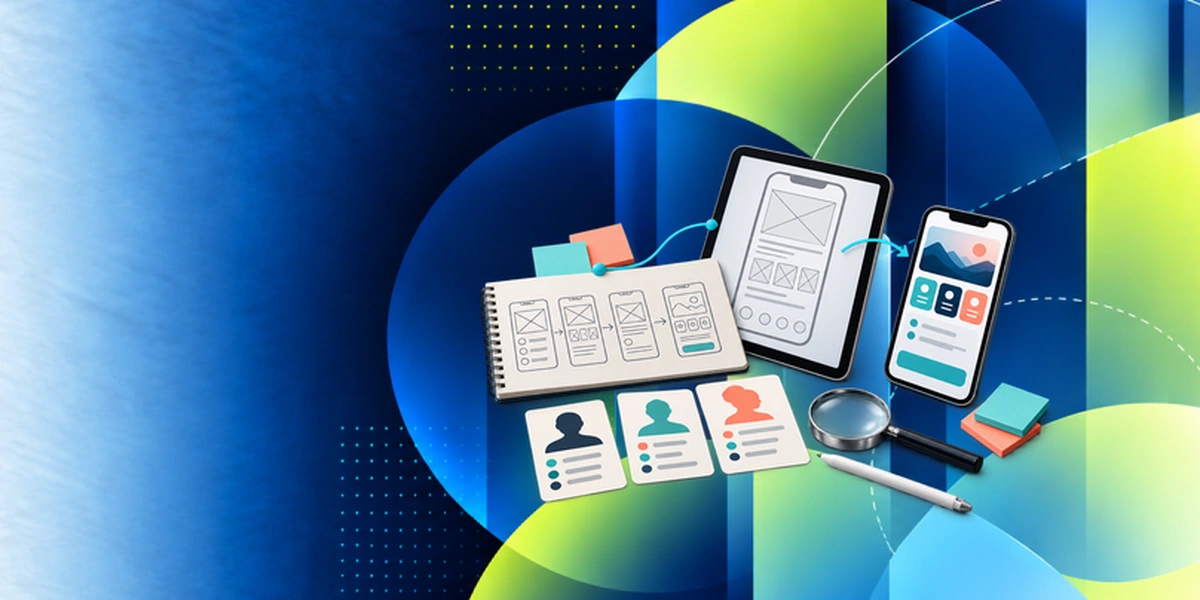
LEARN UX BASICS
UX Design Fundamentals Training
Learn user research, flows and usability so Figma designs solve real user problems.
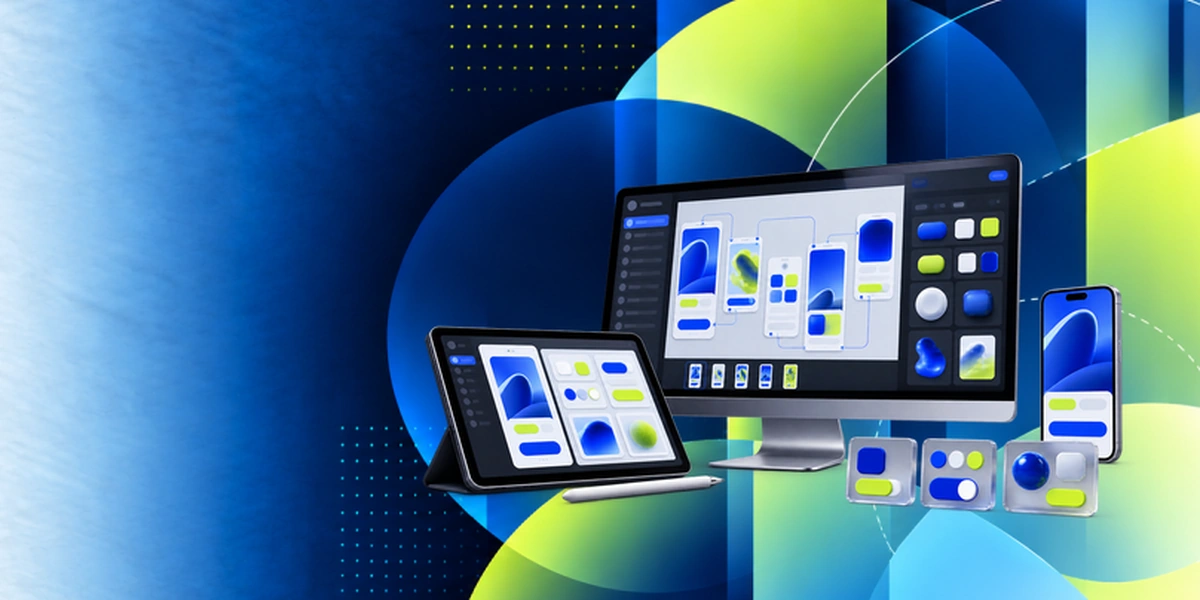
DESIGN IN FIGMA
Figma Training
Design interfaces, components and design systems in Figma and collaborate in shared files.
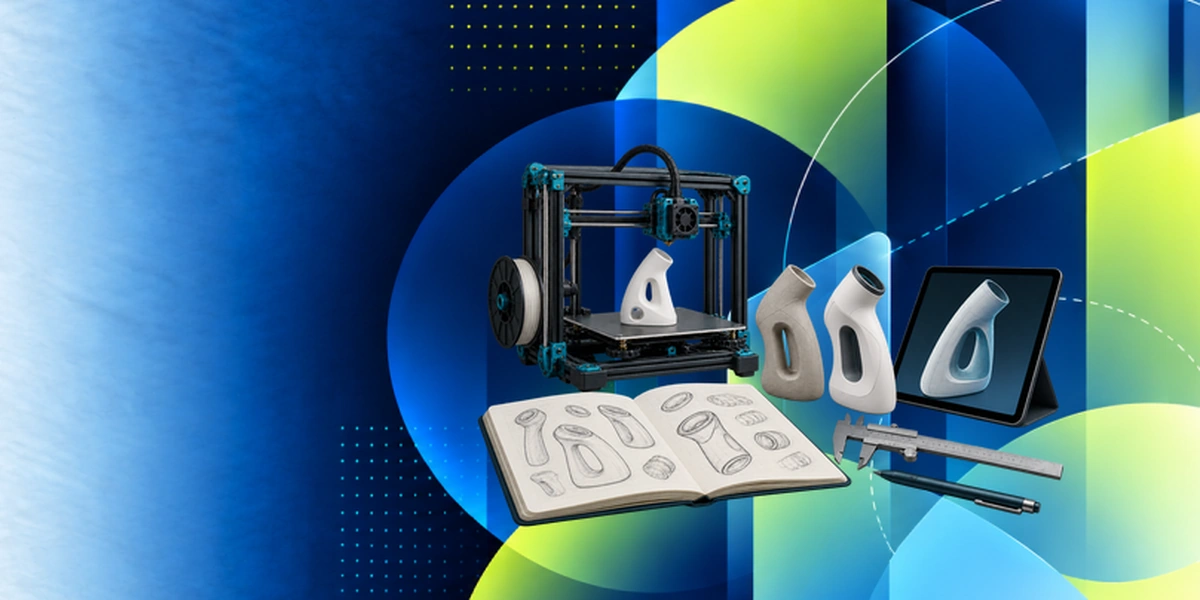
PROTOTYPE IT
Prototyping and Design Training
Turn Figma designs into interactive prototypes and test them with users.

ADD AI
AI in Product Design Corporate Training
Use AI tools in research, ideation and design production for product teams.
Why Choose Edstellar as Your Figma Corporate Training Provider
When comparing providers, Edstellar is the training partner teams choose for design tooling expertise and 5+ years of corporate training experience. Our methodology blends concise instruction with guided labs, and we share each trainer profile before booking. The result is measurable quality in the interfaces your team designs.
EXPERT TRAINERS
YEARS DELIVERING
ORGANIZATIONS TRAINED
CERTIFIED
Tailored
Every cohort's labs, examples, and exercises are tuned to your product screens, design system, and review workflows.
Proven Methodology
Concise instruction followed by guided labs and reviews, a repeatable method that turns concepts into shipped designs.
Practice-Based Learning
Six modules of guided labs and a capstone package keep your team designing, not just watching.
Expert Trainers
Practitioners who ship production interfaces in Figma lead every session and review your team's files.
Global Scale
One consistent program delivered across your offices worldwide, scheduled to fit your teams.
Measurable Outcomes
Lab checkpoints and a capstone review prove design skill gains you can report internally.
Build Consistent Figma Design Systems From Screens to Developer Handoff
Edstellar guides design teams from organized Figma files to reusable components and realistic product flows. Participants combine auto layout, shared styles, variants, and interactive prototypes through progressively connected exercises. The final design package includes a review trail and developer handoff, evaluated for consistency, behavior, and the clarity of implementation information.
- Step 01
Consult
We investigate inconsistent screens, repeated prototype work, and unclear sign-off processes, checking participants' UI familiarity and experience organizing shared Figma files.
- Step 02
Plan
We establish workspace discipline and responsive layouts before component libraries, interactive prototyping, collaborative reviews, and a complete design-to-delivery exercise.
- Step 03
Align
Figma design-system expertise is aligned with designer and product-team responsibilities, with shared-file access and time for critique confirmed before practice.
- Step 04
Customize
We shape sample interfaces around familiar product journeys and brand conventions, preserving exercises in reusable variants, responsive behavior, and documented handoff.
- Step 05
Execute
Participants refactor a sample file, build components, and test a multi-screen prototype, with instructor feedback on layout, consistency, and interaction choices.
- Step 06
Evaluate
We review the final components, prototype, review log, and handoff files for reusable structure, coherent behavior, and sufficiently clear developer specifications.
Also from Edstellar
Talent assessments
Psychometric, behavioral, leadership and 360-degree assessment.
→Training needs analysis
Needs analysis, gap identification, and a training roadmap.
→L&D consulting
Learning strategy, content, technology and ROI measurement.
→OD consulting
Org design, succession planning and cultural change.
→Managed training services
Training outsourcing, vendor management, logistics and administration.
→Coaching solutions
Executive and manager coaching that keeps skills in use.
Start an RFP shaped to your needs.
Answer three quick questions about team size, scope, and how often you need the program run, then send the request from the last step. Everything you choose travels with it, so you only fill this in once.
How many team members need training?
Figma Training Packages & Pricing
Where L&D holds an annual budget, license packages price the whole year at once instead of raising a purchase order per workshop. Hours and licenses are pooled across teams, programs and locations, so unused capacity is not stranded in one department.
Starter
120
trainee licenses64 hours of group training
Tailored for SMBs
Growth
320
trainee licenses160 hours of group training
Ideal for growing SMBs
Enterprise
800
trainee licenses400 hours of group training
Designed for large corporations
Custom
Unlimited
trainee licensesDuration set by the rollout
Multi-region and multi-year
Training Packages & Pricing
Choose the training format that works for your team. Pricing is customized based on your requirements, cohort size, and delivery needs.
Request a Quote for Figma Training for Your Team
Share your team size, design tools, and timelines to receive a tailored training plan and quote. Book a discovery call to discuss your goals; we confirm availability and respond with a proposal.