

Mulesoft Corporate Training
Connect your enterprise with API-led integration
This instructor-led Mulesoft training takes your team from Anypoint Platform basics to a working three-layer integration, with guided labs and a capstone on your live connectivity need.
Instructor-led group trainingVirtual / on-site / off-site10 languagesDelivered inEnglish, Spanish, Mandarin, German, Arabic, Portuguese, Hindi, French, Japanese, Italian100+ countriesWe have delivered inUnited States, United Kingdom, India, Canada, Germany, France, Netherlands, UAE, Saudi Arabia, Singapore, Australia, Japan, Brazil, South Africa and 90+ more countries
The six-level path from API basics to scaled integration
The Edstellar API-LED CONNECTIVITY Capability Model
Connect
Your team links enterprise systems with governed connectors and reusable system APIs.
Transform
DataWeave scripts map and reshape payloads cleanly across formats and systems.
Orchestrate
Process APIs compose cross-system flows with batch jobs and reliable error handling.
Expose
Experience APIs give apps and partners fast, consistent access to your data.
Secure
OAuth2, policies, and SLAs protect every API in a managed lifecycle.
Scale
Deployed integrations run on CloudHub or RTF with monitoring and tuning.





Need more than one program?Get a group quote
Trusted as a Leading Corporate Training Provider by
















Program Overview: What is Mulesoft?
Mulesoft is Edstellar's instructor-led technical program for integration developers and architects building API-led connectivity on the Anypoint Platform. Participants work through API-led design, Anypoint Studio and the Mule runtime, integration building and transformation, and API publishing and management. The focus stays on integration craft: systems that connect cleanly and APIs that stay managed.
Training is hands-on from the first module. Participants build integrations in Anypoint Studio in guided labs, then layer data transformation and error handling onto realistic enterprise scenarios. Instructors coach your team through API design, publishing, security, and the advanced patterns that keep integration estates governable, reviewing every exercise with direct feedback. The program closes with a capstone: an end-to-end enterprise integration build.
Integration estates often grow as point-to-point spaghetti: undocumented flows, duplicated logic, and APIs published without lifecycle management. This program teaches your developers the API-led approach, where reusable building blocks replace brittle connections. Every technique is practiced in labs, so the learning transfers directly to your integration backlog.
The capstone is an end-to-end enterprise integration build your team delivers on Anypoint: designed APIs, working Mule flows with transformation and error handling, and the management and security that make it production-grade. Your integration team returns connecting systems through assets instead of accidents.
By the end of the program, your team can build and debug Mule flows, write DataWeave transformations, design APIs first in Design Center, apply management policies in API Manager, secure integrations with OAuth2, and deploy to CloudHub or RTF with monitoring. Delivery is live instructor-led, virtual, onsite, or hybrid, with dedicated lab environments for every learner. You receive session recordings, lab guides, a skills progression report, and capstone handover documentation your stakeholders can act on.
What's Included in this Workshop for Your Enterprise Teams
- 1
Assess
We assess your current Mulesoft maturity, documents, and target processes so the program targets your real gaps.
- 2
Design
We design the program around your stack, choosing labs and case studies that mirror your production scenarios.
- 3
Build
Your team builds working Mulesoft solutions in guided labs, troubleshooting real errors with trainer support.
- 4
Embed
The capstone applies everything to one of your live use cases, leaving your team with reusable artifacts and a rollout plan.
- Live instructor-led sessions delivered by a certified platform practitioner
- Dedicated training environment with licenses and sample data for every learner
- Flexible scheduling across time zones with weekend and evening options
- Pre-training readiness check so your team arrives prepared to build
- Session recordings and lab guides for 90 days after the program ends
- Post-training skills report and capstone readiness summary for stakeholders
Build your team's skills. Anywhere in the world.
Real-world use cases
from day one
Instructor-led training
for your teams
Delivered globally
in 100+ countries


Enterprise Training Solutions Customized for Your Company
One partner for instructor-led corporate training, delivered the way your teams work.
Request a Training Quote- Customized Training Delivery
- Scale Your Training: Small to Large Teams
- In-person Onsite, Live Virtual or Hybrid Training Modes
- Plan from 2000+ Industry-ready Training Programs
- Hands-On Labs on Live Infrastructure, Led by Industry Experts
Mulesoft Course Topics and Program Outline
A 24-hour instructor-led program: 6 modules, hands-on labs throughout, and a capstone integration on your live connectivity need.
Built by Edstellar with certified Mulesoft practitioners who deliver enterprise integration programs
Built by Edstellar, drawing on integration specialists who implement Anypoint Platform solutions for platform engineering and IT teams, shaped around your stack and use cases.
We map your current Mulesoft maturity, document bottlenecks, and size the automation opportunity before the program starts.
Your team learns Mulesoft concepts live from a certified trainer, with demos on real enterprise scenarios throughout.
Guided hands-on labs let each learner configure Mulesoft themselves, troubleshoot errors, and review work with the trainer.
A capstone build applies everything to a real use case from your pipeline, so your team leaves with working artifacts.
Every module ends with a working artifact, not just notes: your team builds, configures, and troubleshoots in every session.
Delivered as
Sessions run live with a certified trainer. Your team works in dedicated lab environments with real-time support, so nobody gets stuck.

Guided lab: explore the Anypoint Platform, open a sample API design, and trace the three API layers.
learna)API-led connectivity: system, process, experience APIs
b)Anypoint Platform components overview
c)API design basics with RAML and OAS
d)Deployment models: CloudHub, RTF, on-premises
Guided lab: build a first Mule flow in Anypoint Studio, inspect messages, and debug with breakpoints.
learna)Anypoint Studio setup and workspace layout
b)Flows, subflows, and message processors
c)Mule message structure and attributes
d)Testing basics and debugging techniques
Guided lab: transform a payload with DataWeave and route records through a batch job with error handling.
practicea)Connector configuration for common systems
b)DataWeave transformations and functions
c)Error handling scopes and strategies
d)Batch jobs and watermarking patterns
Guided lab: design an API spec, publish it, and apply rate-limit and security policies in API Manager.
practicea)Design-first development in Design Center
b)Publishing to Anypoint Exchange
c)API Manager policies and SLAs
d)Versioning, lifecycle, and the Developer Portal
Guided lab: secure an API with OAuth2 policies and wire a publish-subscribe flow through Anypoint MQ.
practice_hfa)Publish-subscribe with Anypoint MQ
b)Streaming and batch processing patterns
c)OAuth2, client ID enforcement, and policies
d)Caching, tuning, and performance practices
Capstone lab: your team ships a working three-layer integration for one of your real connectivity needs.
applya)Integration blueprint and domain modeling
b)System API and process API implementation
c)Experience API composition for consumers
d)Deployment, monitoring, and handover documentation
Customize this program tailored to your team?
Tell us your training needs: what your team already works with, the level they’re at, and the topics you want them to focus on. We’ll adjust the modules, duration and hands-on labs, and send you a customized outline for your group.
Key Skills and Outcomes Your Team Will Gain
Outcomes your team can demonstrate after the program, each one practiced in a guided lab and reviewed by the trainer.
Anypoint Studio development
Build, debug, and test Mule flows in Anypoint Studio using connectors and message processors.
DataWeave transformations
Write DataWeave scripts that map, filter, and reshape payloads across systems and formats.
Error and batch handling
Design error-handling scopes and batch jobs that process large volumes reliably with watermarking.
API design and publishing
Design API specs first in Design Center and publish governed APIs through Anypoint Exchange.
API management and policies
Apply rate limits, security, and SLA policies in API Manager and manage the API lifecycle.
Messaging and security
Wire publish-subscribe flows with Anypoint MQ and secure APIs with OAuth2 and client policies.
Deployment and monitoring
Deploy integrations to CloudHub or RTF and monitor them with alerts and performance tuning.
Teams that Benefit from this Mulesoft Group Training
This Mulesoft program is built for teams that connect enterprise applications and data: integration engineers, API developers, platform engineers, and architects.
IT teams own the integration platform
Platform engineers learn to build, secure, and operate integrations on Anypoint Platform.
Workflow friction
- Point-to-point integration sprawl
- Fragile custom connectors
- No API governance
How the program helps
- Faster integration delivery
- Reusable API assets
- Reliable error handling
Practice use cases
- System-to-system integration
- CloudHub and RTF deployment
- API governance rollout
Product teams ship connected experiences
Product and digital teams learn to compose experience APIs that power apps and portals.
Workflow friction
- Slow backend access for apps
- Inconsistent data contracts
- Duplicate integration work
How the program helps
- Faster feature delivery
- Consistent data access
- Better developer experience
Practice use cases
- Mobile and portal backends
- Partner API programs
- Event-driven experiences
Operations teams automate data flows
Operations teams learn to design process APIs that connect workflows across business systems.
Workflow friction
- Manual data entry between systems
- Delayed operational reporting
- Disconnected workflows
How the program helps
- Automated cross-system flows
- Fewer manual handoffs
- Real-time operational data
Practice use cases
- Order-to-cash integration
- Inventory synchronization
- Workflow orchestration
Support teams unify customer data
Customer-facing teams learn to connect CRM, support, and billing systems into one view.
Workflow friction
- Customer data in silos
- Slow ticket enrichment
- No unified reporting
How the program helps
- Single customer view
- Faster case resolution
- Proactive service alerts
Practice use cases
- CRM integration
- Support data enrichment
- Customer 360 dashboards
The program is designed for teams, not individuals: bring 8 to 20 participants from any mix of these departments for the best cohort dynamics.
Prerequisites: Participants should be comfortable with XML or JSON, basic HTTP concepts, and one scripting or programming language. No prior Mulesoft experience is required; a short readiness check aligns each learner before day one.
Skills progression by experience level
Every participant is assessed against four levels so the program meets them where they are and moves them forward measurably.
Your trainer maps each participant against this progression on day one and adjusts lab difficulty so nobody is left behind or held back.
Mixed cohort, or several teams at once?
We can tailor the training to different teams, roles, and experience levels within the same program.
Certificate of Training Completion.
On successful completion, employees receive an Edstellar course completion certificate, recognizing their commitment to ongoing learning and professional development. It validates the skills they have built and motivates them to keep growing and contribute to organizational success.
Earned, not attended. Awarded on completion of all hands-on labs and the capstone project.

Training Delivery Modes: Virtual, Onsite and Hybrid
Choose the delivery format that fits your teams. Every format includes live trainer support and dedicated hands-on lab environments.
Hybrid delivery
A blended format that mixes live virtual sessions with focused onsite labs, giving your team flexibility without losing hands-on depth.
- Virtual concept sessions for distributed teams
- Onsite deep-dive labs for the capstone build
- One plan, one trainer, one outcome

Onsite delivery
Your trainer comes to you for an immersive, distraction-free program with whiteboard working sessions and face-to-face lab support.
- Immersive team experience at your location
- Whiteboard working sessions on your processes
- Maximum interaction during hands-on labs

Virtual instructor-led
Live online delivery with real-time trainer support, breakout rooms, and cloud lab environments accessible from anywhere.
- Live trainer interaction, no travel needed
- Breakout rooms for group lab exercises
- Cloud labs accessible from anywhere

Need a training format that works for your team?
Full days, half days across weeks, or split by module. Tell us the delivery window and we schedule the cohort around it.
Frequently Asked Questions
A hands-on program covering Anypoint Platform, API-led connectivity, DataWeave, and API management with guided labs.
Integration engineers, API developers, platform engineers, and architects who connect enterprise applications and data.
No. The program starts with platform foundations and progresses to advanced patterns, with labs at every step.
Live instructor-led, delivered virtually, onsite, or hybrid. Labs run in dedicated environments with real-time trainer support.
The standard program is 24 hours, delivered in flexible blocks across days or weeks to suit your team's schedule.
Question not answered here?
Put it in the request. A training specialist answers it directly, within one business day.
Where this Training Fits in Your Team's learning path.
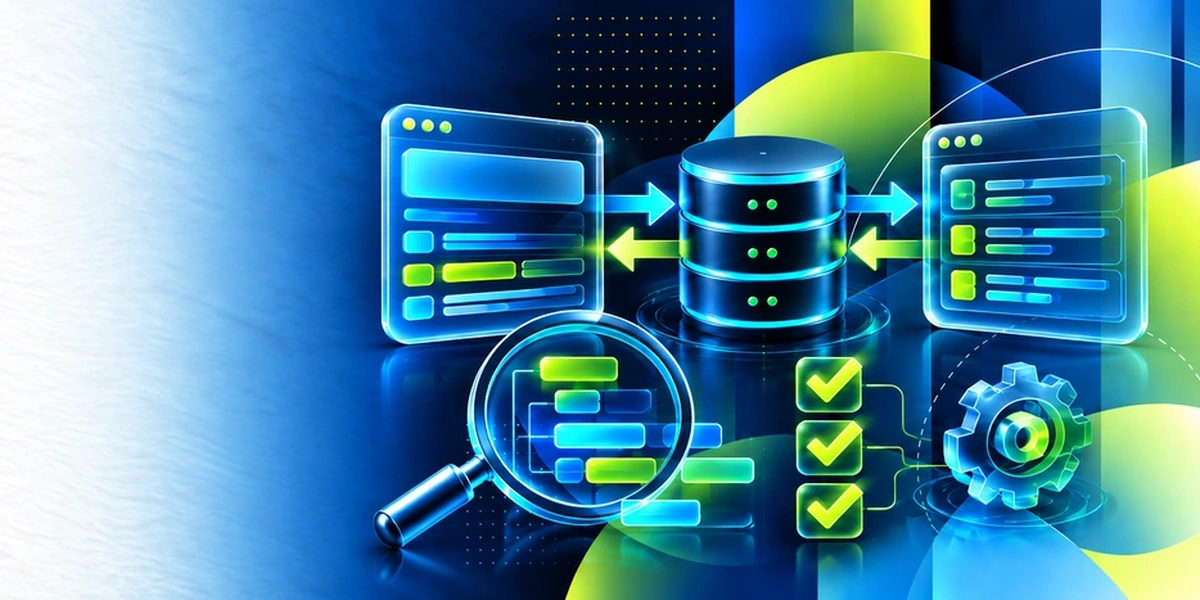
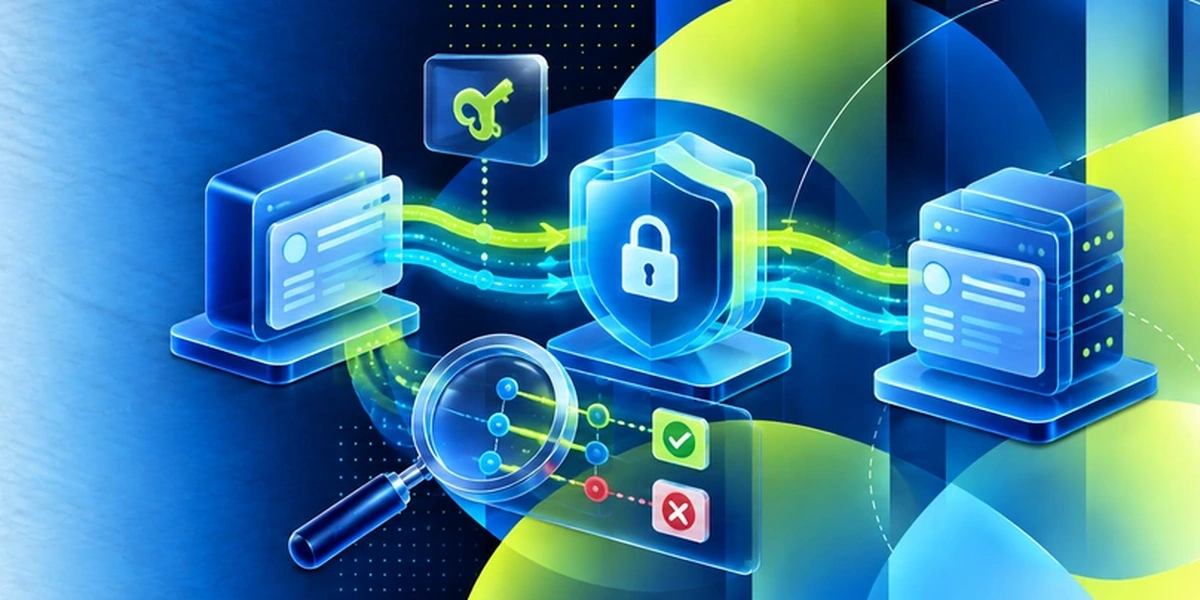
MuleSoft builds on a well-designed API contract. Your team designs the API first with OpenAPI, then builds it on MuleSoft Anypoint, tests it with Postman and Rest Assured, and closes with API security, so each integration is both working and safe.


Why Choose Edstellar as Your Mulesoft Corporate Training Provider
Edstellar delivers instructor-led enterprise platform training to global teams, with programs shaped around your stack, your data, and your target outcomes.

EXPERT TRAINERS
YEARS DELIVERING
ORGANIZATIONS TRAINED
CERTIFIED
Tailored
Your Mulesoft program is shaped around your stack, documents, and target processes before delivery, never off the shelf.
Proven Methodology
A learn, practice, apply arc moves your team from concepts to a working build, with progress checks after every module.
Practice-Based Learning
Most of the Mulesoft time is guided hands-on labs, so every learner leaves having configured the platform themselves.
Expert Trainers
Your trainer is a working practitioner who delivers enterprise rollouts, matched to your team before the program is booked.
Global Scale
We deliver across time zones with consistent quality, so distributed teams get the same program and the same outcomes.
Measurable Outcomes
You get attendance, lab completion, and capstone readiness reports, plus a clear skills progression for every participant.
Build MuleSoft Integrations With Clear API Layers and Tested Message Flows
Edstellar develops integration capability through a connected MuleSoft build. Participants inspect messages, transform payloads, and handle batch errors before designing and managing APIs and messaging. The three-layer capstone is reviewed for coherent responsibilities, accurate transformations, and observable behavior across the policies and integration patterns used in the scenario.
- Step 01
Consult
We assess XML or JSON, HTTP, and programming familiarity to identify gaps in Mule flow design, payload transformation, API layering, and error handling.
- Step 02
Plan
We introduce API-led connectivity and Studio fundamentals before DataWeave and batch processing, then develop API management, messaging, and security in the integrated three-layer build.
- Step 03
Align
We align MuleSoft integration expertise with participants' development readiness, using an initial skills check to calibrate message debugging, transformation, and API-policy practice.
- Step 04
Customize
Sample payloads and connectivity requirements reflect familiar enterprise interfaces, enabling tailored transformation and messaging exercises without connecting training flows to operational systems or confidential records.
- Step 05
Execute
Participants debug Mule flows, transform payloads, route batch records, and apply API policies, receiving feedback on error paths, layer boundaries, and messaging behavior.
- Step 06
Evaluate
We assess the integration for accurate transformations, clear API responsibilities, tested failure handling, and policy and message-flow evidence that supports the stated connectivity requirements.
Also from Edstellar
Talent assessments
Psychometric, behavioral, leadership and 360-degree assessment.
→Training needs analysis
Needs analysis, gap identification, and a training roadmap.
→L&D consulting
Learning strategy, content, technology and ROI measurement.
→OD consulting
Org design, succession planning and cultural change.
→Managed training services
Training outsourcing, vendor management, logistics and administration.
→Coaching solutions
Executive and manager coaching that keeps skills in use.
Start an RFP shaped to your needs.
Answer three quick questions about team size, scope, and how often you need the program run, then send the request from the last step. Everything you choose travels with it, so you only fill this in once.
How many team members need training?
MuleSoft Training Training Packages & Pricing
Where L&D holds an annual budget, license packages price the whole year at once instead of raising a purchase order per workshop. Hours and licenses are pooled across teams, programs and locations, so unused capacity is not stranded in one department.
Starter
120
trainee licenses64 hours of group training
Tailored for SMBs
Growth
320
trainee licenses160 hours of group training
Ideal for growing SMBs
Enterprise
800
trainee licenses400 hours of group training
Designed for large corporations
Custom
Unlimited
trainee licensesDuration set by the rollout
Multi-region and multi-year
Training Packages & Pricing
Choose the training format that works for your team. Pricing is customized based on your requirements, cohort size, and delivery needs.
Request Mulesoft Training for Your Team
Tell us your team size, preferred dates, and target Mulesoft use cases. A training advisor responds within 24 hours with a tailored plan and quote.